Mobile DJ software

For mobile DJs. A mobile DJ does not play one room forever. Friday is a house party, Saturday is a wedding, Sunday is a corporate hour. Each job has its own playlist, its own notes, and a date. Events Manager holds those jobs, then the library finds the music and the player plays it. This page is the plan-the-gig wedge: events, playlists, notes, calendar.

Most DJ programs assume you are already in the booth. Mobile work starts in the driveway. You need the booking, the list you promised, and the notes from the host before you need two platters. If those live outside the player, you will spend the first twenty minutes of the gig in another window.
Events Manager

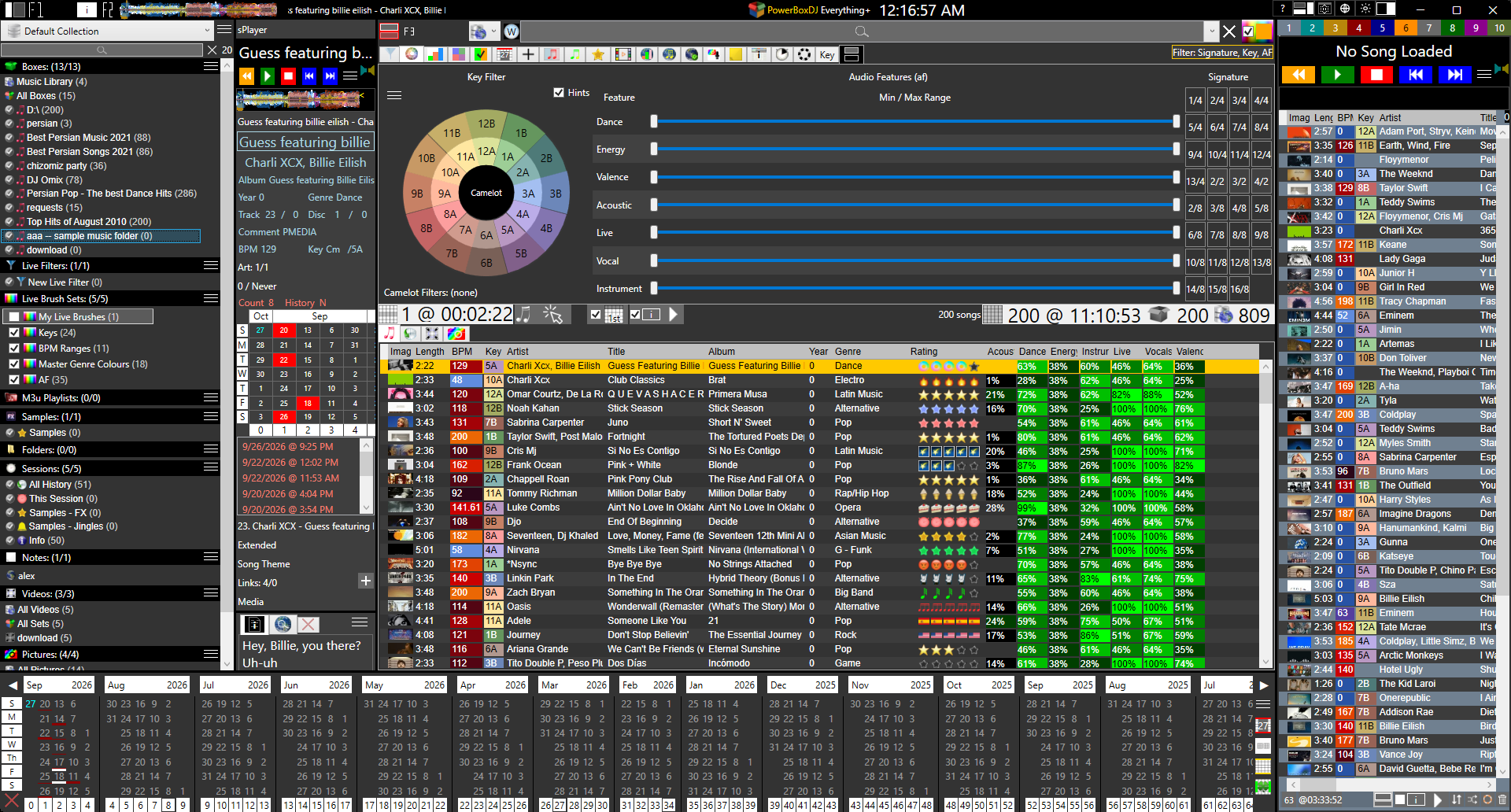
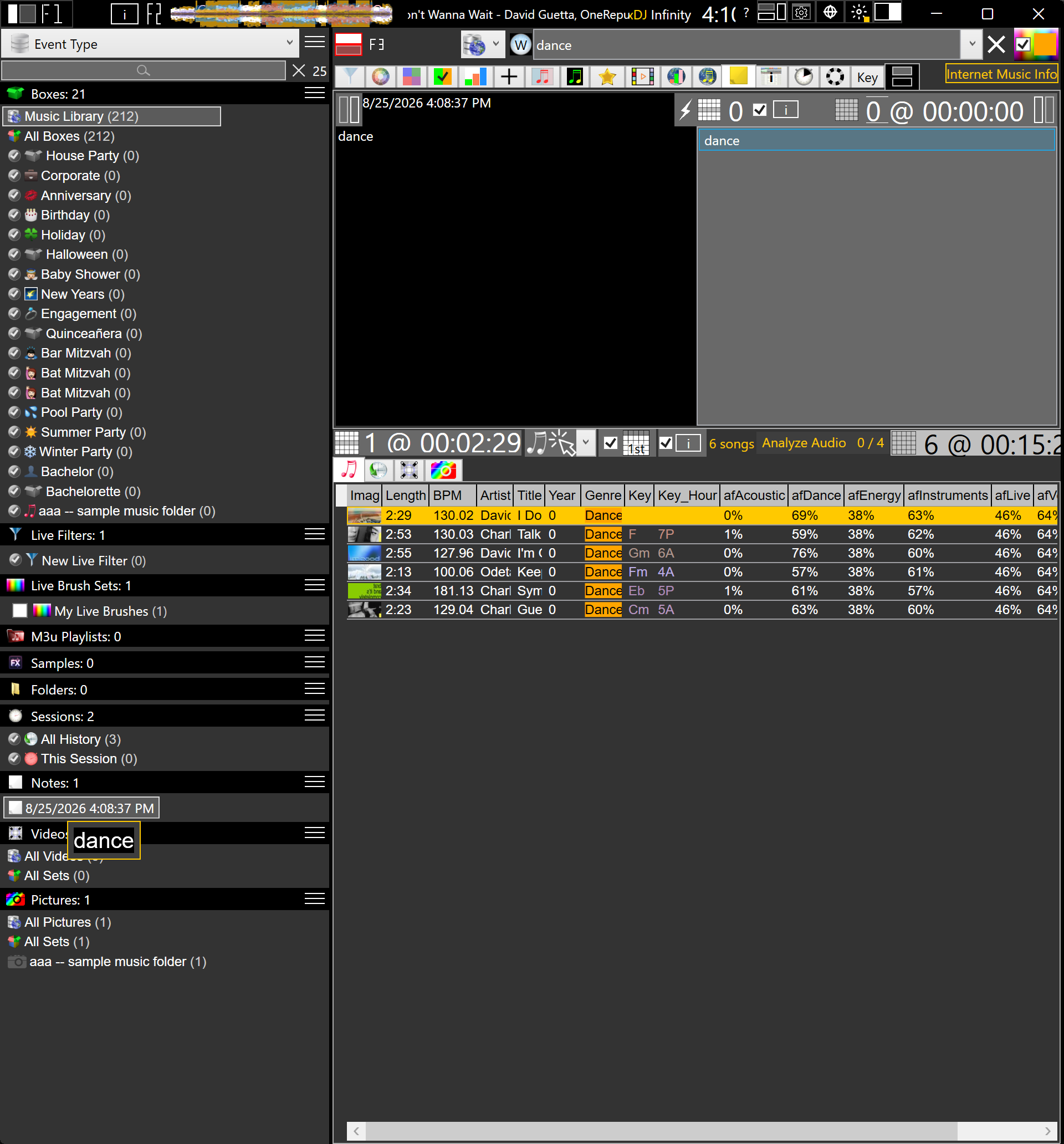
The wedge is simple. Each gig is an event. Custom playlists and notes sit on that event. A calendar shows what is coming. You do not mix the corporate do-not-play list into Saturday's last dance. You open the event that is tonight.

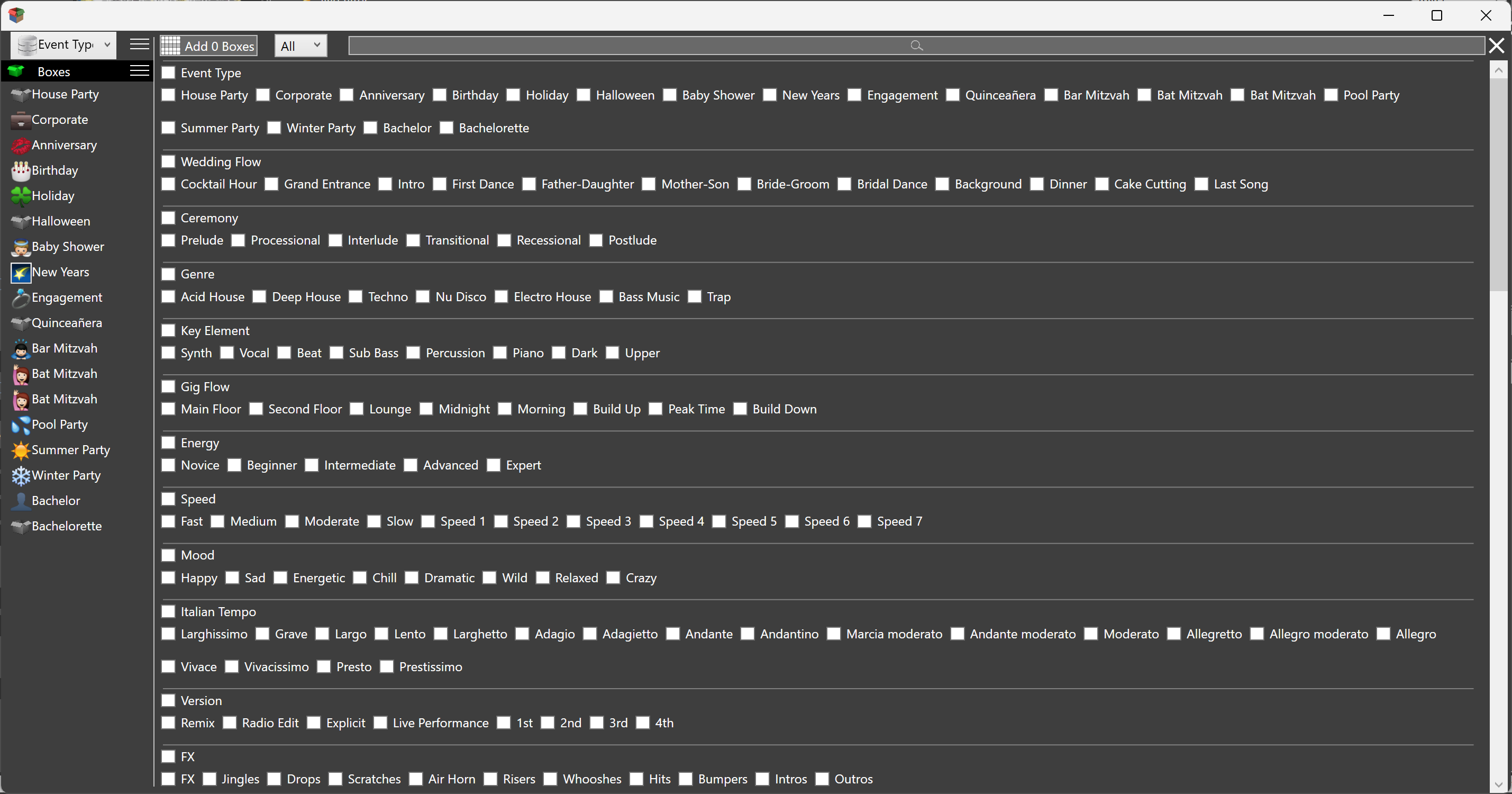
The Box Wizard already names the jobs a mobile DJ takes: house party, corporate, anniversary, birthday, holiday, engagement, pool party, bachelor, wedding flow, and the rest. Those are boxes you can filter with. The event is the booking that uses them. Plan the gig means the booking has a home in the app, not a folder on the desktop named after the client.

Karaoke, video, and a wedding on the same weekend are still one library. They are not one event. Separate events keep the karaoke notes off the corporate hour. Collections can split the workspaces. The calendar still shows every booking in one place.

Playlists per gig

A mobile DJ's playlist is the set you promised, plus the room you have not heard yet. Events Manager keeps a playlist on the event. M3U lists still import and export if you share a list with a client or another program. Inside PowerBox DJ, the event's list is what you load when you set up.

Background music is not the same list as the peak hour. A house party is not a cocktail hour. You can keep those as boxes in a collection, and still hang a playlist on this Friday's event so the night has a spine. Auto mix and the playlist player run a list if the job is dinner or a lobby. When requests start, you leave the list and work the library.

Clients send lists. You import M3U, or you build the list in the event. Either way the playlist belongs to this gig, not to a crate you will forget to switch. The library stays the master. The event list is the promise for tonight.

Notes

Mobile work is notes. Load-in time, power on the patio, a birthday song at 10, a song the host hates, the MC's name. Events Manager keeps those on the event. Song notes stay with a track across gigs. A note can be a list of searches: type a line, see the first match, or click a row and search the whole library. Same add, edit, delete as a notepad, sitting next to the playlist.

That is the difference from a live DJ app that only has crates. The gig has words attached to it. You read them when you open the event, not when you remember which email they were in. Watches and stopwatches are there if the host gave you a hard out. The note is still the run of show. The timer is the clock on it.

Calendar

The calendar is upcoming events. A mobile DJ stacks weeks. You need to see Friday, Saturday, and the Friday after without a second program. PowerBox DJ puts the bookings on a calendar next to their playlists and notes. That is planning.

What you already played is history: two hundred weeks, clickable dates, sessions you can categorize per player, set, or however you work. The events calendar is the jobs still ahead. The history calendar is the jobs behind you. Both belong in DJ software. Most live players only keep the second, or neither.

A week with three gigs is three events on the calendar, three playlists, three note pads. That is mobile DJ software. A single crate with a dual deck on top is club software wearing a laptop. PowerBox DJ is the first shape.

The rest of the crate

Once the event is open, you still have to find music and play it. Collections, boxes, Live Brushes, Live Filters, fPlayer: that is what PowerBox DJ is. Wedding DJs who want the same wedge in ceremony language can start at DJ software for wedding DJs.

Not a phone app. The calendar can subscribe on a phone; the mix stays on the laptop. Free to start. No sign up, no registration, no credit card, no time limit.

Professional DJ software. Event planning. Party DJ software.

Download Now