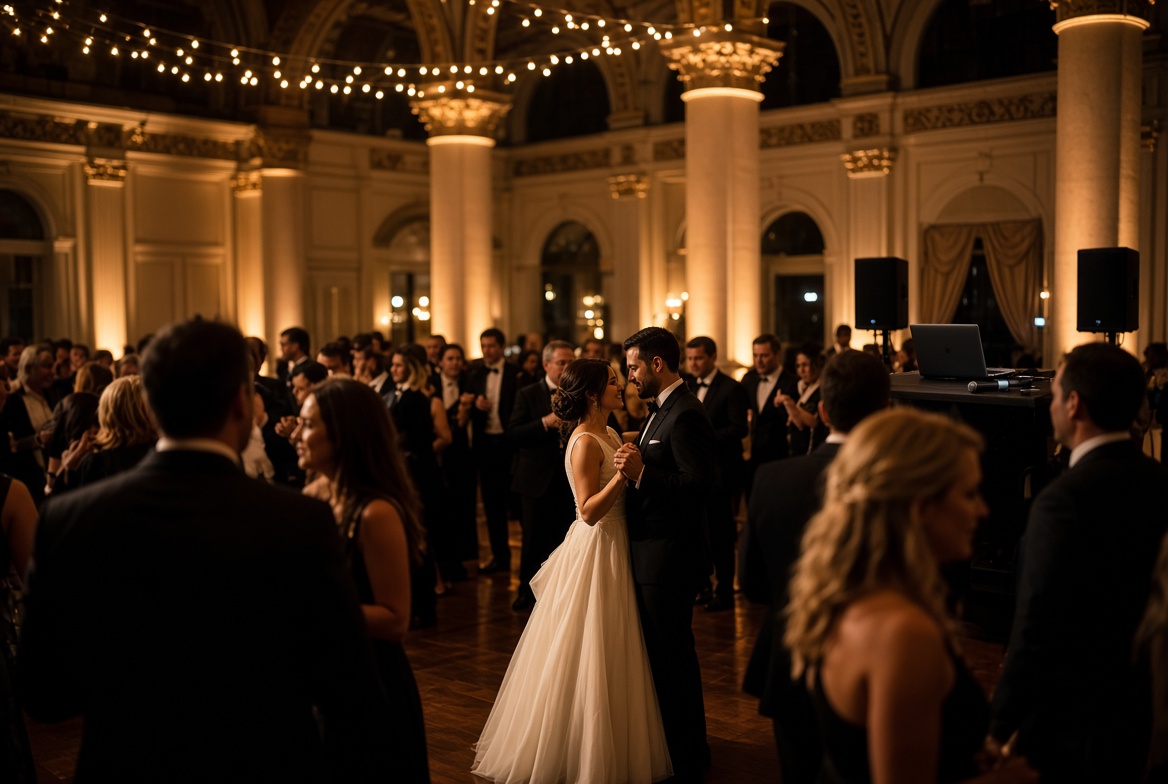
Bride and groom first dance in a ballroom, guests around the floor, laptop DJ booth to the right.

PowerBox DJ: Professional DJ Software for Wedding DJs

Everything you need from building a timeline for the ceremony to playing awesome sets during the reception or chill music for the dinner. PowerBox DJ is your one stop solution.

DJ software for wedding DJs

A wedding is not one playlist. It is a ceremony, a cocktail hour, a grand entrance, a first dance, dinner, cake, and a last song, plus the list of songs that must play and the list that must not. That job is an event: a playlist, notes, and a date on the calendar. That is the plan-the-gig wedge. The rest of the app finds the music and plays it. This page is the night before anyone hears a track.

Club software starts at two decks. Wedding work starts at a booking. The couple sent a list. The planner sent a run of show. The venue sent a curfew. If those three things live in email, you will hunt for them while the bridal party is in the hall. Events Manager is the place they live instead.

Events Manager

Each wedding is its own event. You do not dump Saturday into the same list as last week's corporate cocktail. Events Manager keeps a playlist and notes on that booking, and the calendar shows what is coming. When the couple walks in, you open their event, not a crate named "misc."

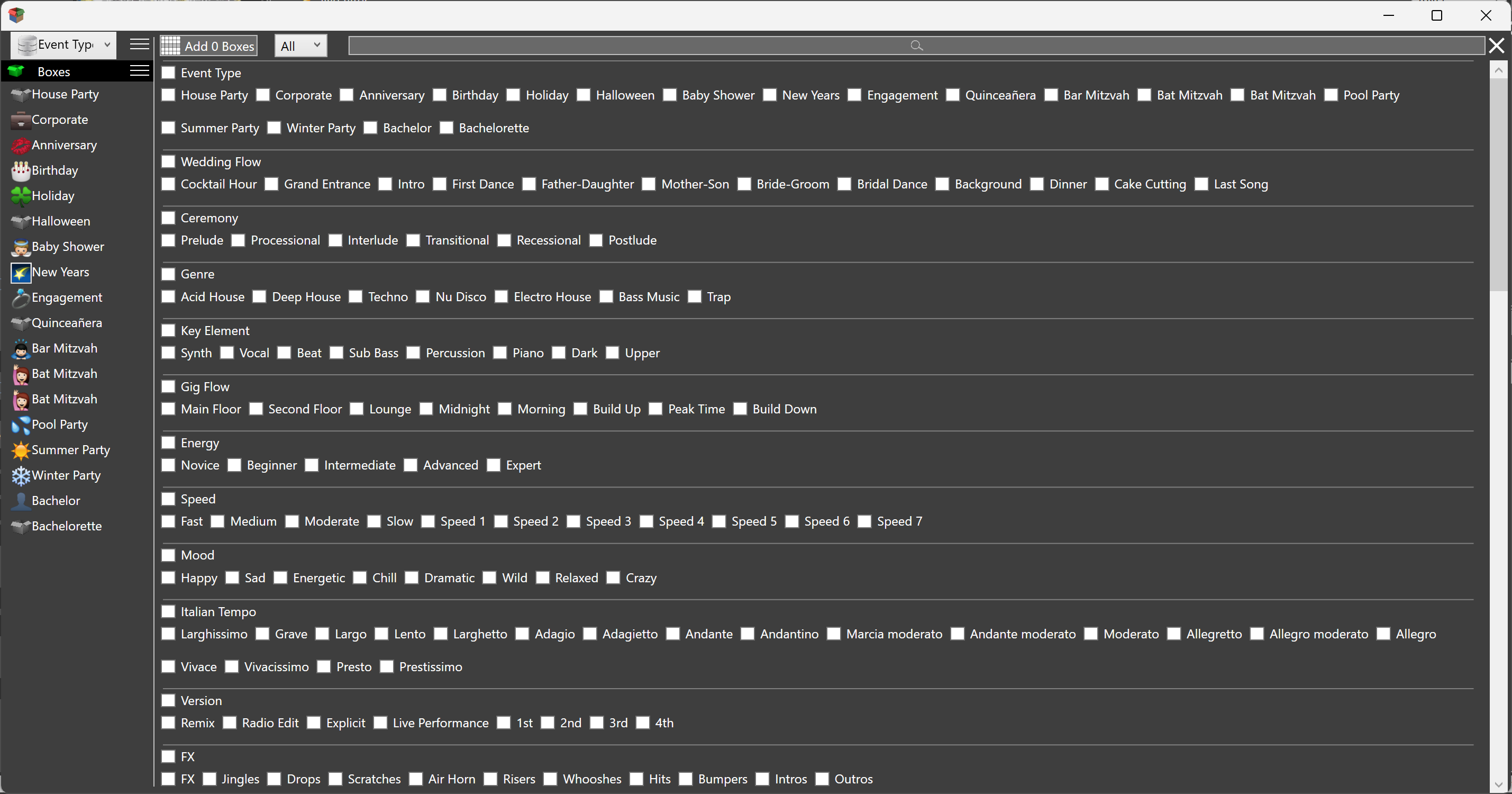
The Box Wizard already thinks in wedding language: cocktail hour, grand entrance, intro, first dance, father-daughter, mother-son, bridal dance, background, dinner, cake cutting, last song. Ceremony boxes sit next to that: prelude, processional, interlude, recessional, postlude. You stand those up once. Each new wedding is another event that uses them, not a new tree of folders.

A collection can be wedding work only. Party crates stay out of it. The event still points at this Saturday. The collection is the kind of job. The event is the booking. That split is why a mobile DJ can run weddings and house parties from the same library without mixing the two on the night.
Playlists per wedding

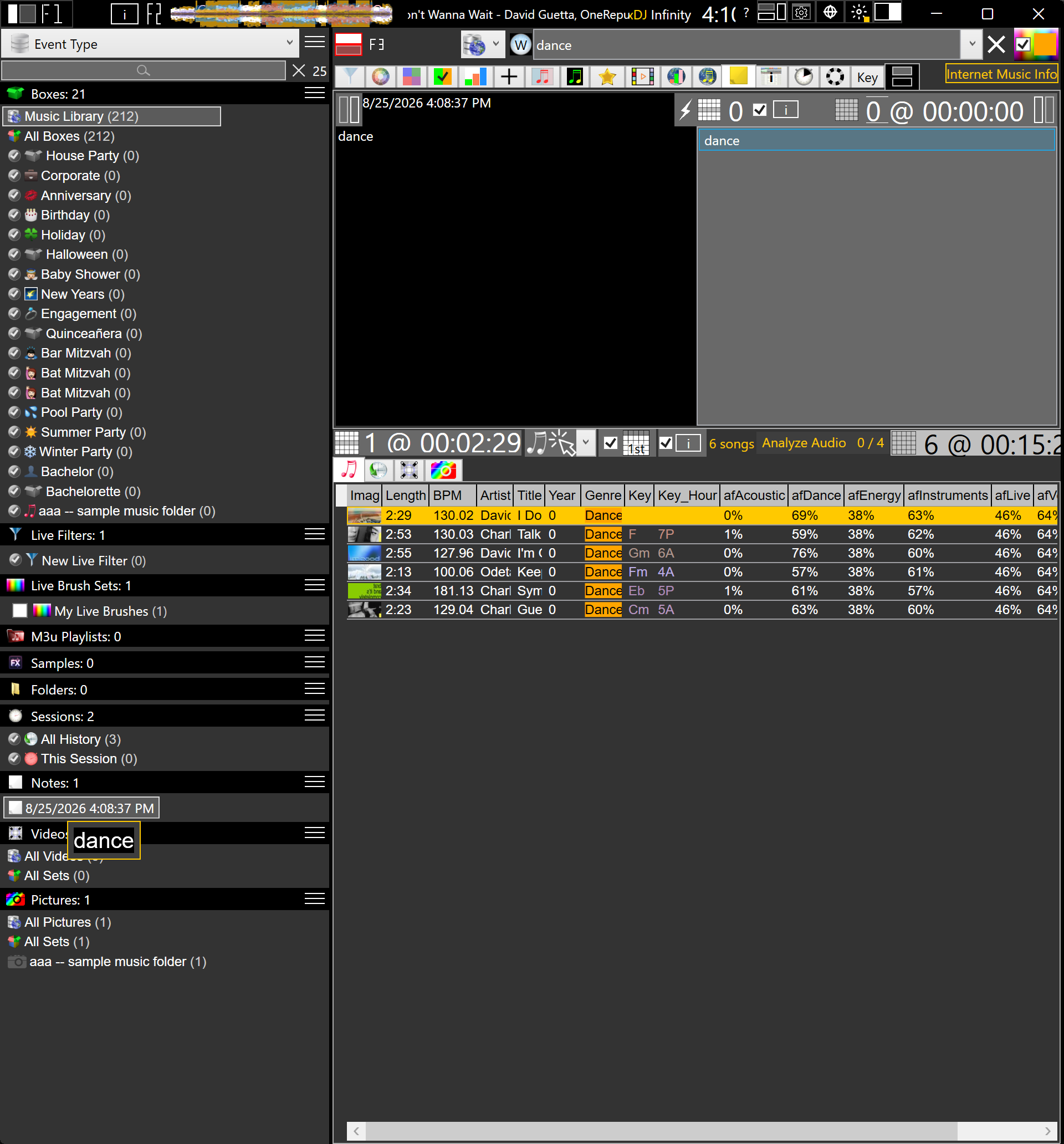
A wedding playlist is not a club set. It is timed pieces: walking in, first dance, parent dances, cake, last dance, plus a floor that has to move after dinner. PowerBox DJ keeps a custom playlist on the event itself. M3U playlists import, build, and export if you still move lists in and out. Inside the app, the event's own list is what you open on the day.

Must-plays belong on that event's playlist. Do-not-plays belong in the notes. The library still holds the whole collection. The event is the slice for this room, this couple, this timeline. Auto mix and a playlist player are there if dinner should run without a hand on the fader. When the floor opens, you leave the list and find from the library.

A first-dance file that is also in the dinner box is still one song. You said what it is once. The event's playlist is the order for this night. Boxes are how you filter the rest when aunties start requesting. You do not rebuild the library per wedding. You hang a list on the event and keep the crate.

Notes

Wedding notes are the job. Special dances, pronunciation of names, a song that is off limits, the time the venue cuts power, who gets the microphone at 9:15. Events Manager keeps notes on the event. Song notes sit with a track as well. A note can also be a list of searches: one line, first match from the library, or click a row and see every match. Save, edit, add, delete, the way a notepad works.

That is faster than a paper timeline you cannot search, and faster than a text file on the desktop that is not the library. The note is next to the playlist and the calendar. When you open Saturday, the words from the planning meeting are still there.

Calendar

The calendar is upcoming events, not only what you already played. A wedding DJ lives on Saturdays stacked three months out. You need to see the next one without opening a spreadsheet. PowerBox DJ puts those dates on a calendar so the job list is the same place as the playlist and the notes.

After the night, history is a different calendar: two hundred weeks, click a date, see the songs. Sessions categorize that history. Planning uses the events calendar. Looking back uses history. Both are dates. They are not the same list.

Stacked Saturdays are the whole business. The calendar is how you see three bookings without opening three folders. Click the next one. Playlist and notes are already on it. That is DJ software for wedding DJs, not a deck skin with a crate named Wedding.

Then the rest of the night

Plan the gig is the wedge. The rest of PowerBox DJ is still there when the first dance is over. Collections keep a wedding workspace apart from background and party crates. Boxes filter. Live Brushes color key and energy. fPlayer plays. That is what PowerBox DJ is. Mobile DJs who run more than weddings can start at mobile DJ software.

Free to start. No sign up, no registration, no credit card, no time limit.

Event planning software is the booking object (location, contact, status, alerts, ICS). Professional DJ software is the deck. Party and karaoke are the other Saturday jobs.

Download Now