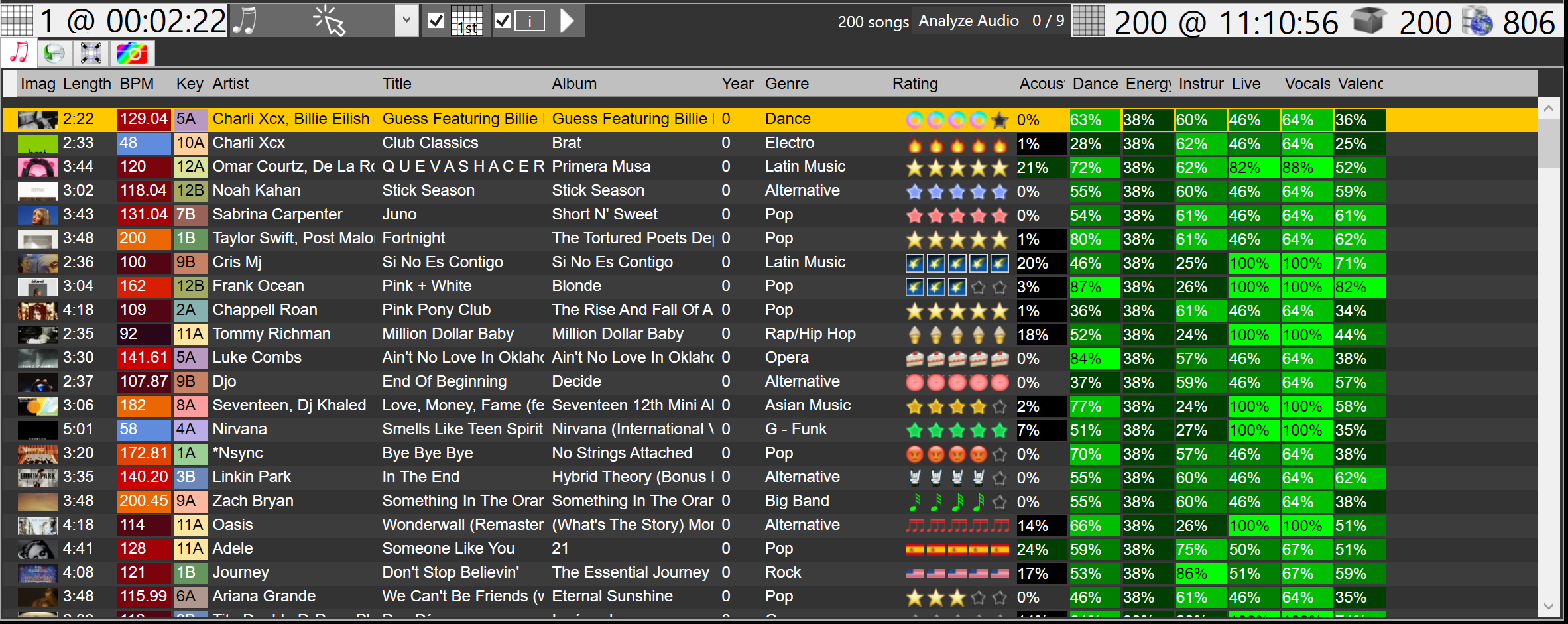
A live brush colors songs that match its rules, on the song list, a playlist, session history, videos, or pictures.
The Live Brush Wizard asks for a new set or an existing set, which field, how to paint it, and which values of that field to color.
Search the library. Matching text in the results is highlighted so the words you sought are easy to find.
Pick the highlight color. Scan titles, artists, albums, or paths without reading every row.
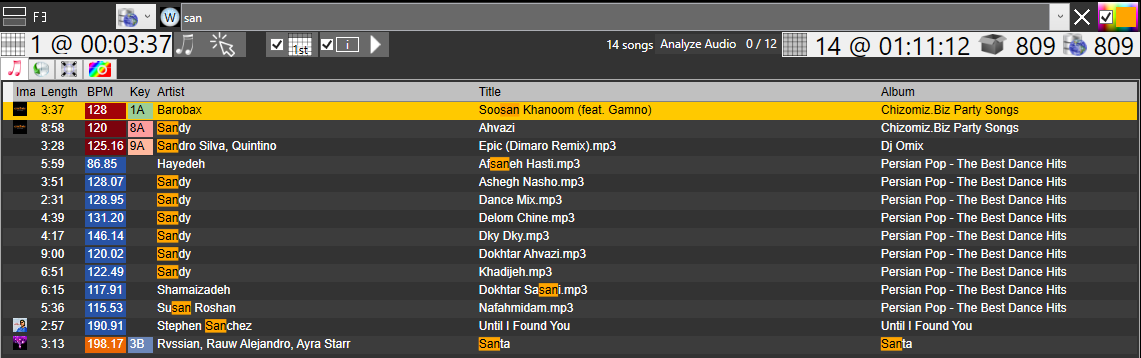
The songs you have selected. It shows how many, and how long they are together.
The songs the search left. It shows how many, and how long they are together.
The songs in the open box, playlist, folder, or event before the search. It shows how many. With none of those open, this is the whole library before the search.
Every song stored in the library. It shows how many. A search does not change this number.
Matrix Music Library, Matrix History Sessions, Matrix Videos Library, and Matrix Pictures Library.
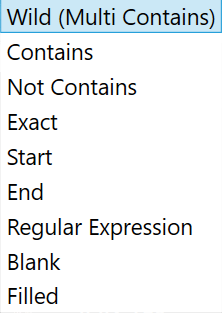
The engine supports various search operators and search criteria to filter them.
Ranking column can be a raw value, bar, custom image, song image, or language flag.
Languages has flags.
The library automatically assigns matching genres to their Master Genre.
This is a live feature.
Shows songs from boxes and playlists in Collections or Events.
Respects Filters, Highlights, and Brushes.
Shows songs played, with a Player column for the player that played the song and a Played column for the date and time. The week-by-week view is History Calendar.
Matrix History Sessions respects Filters, Highlights, and Brushes.
Shows a list of videos.
Clicking a video loads it into the Media Player.
Media Viewer shows a video playing with the Media Player.
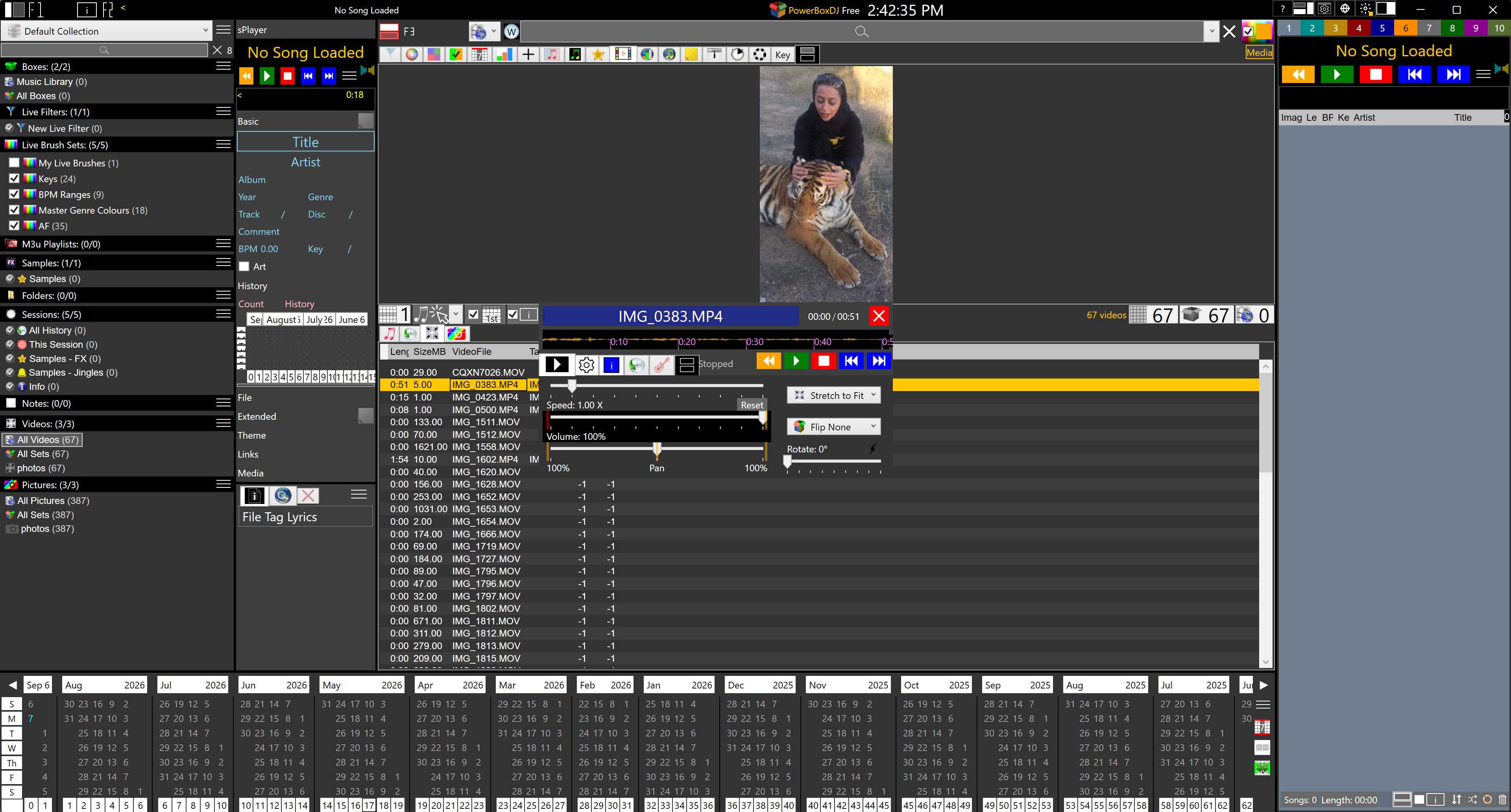
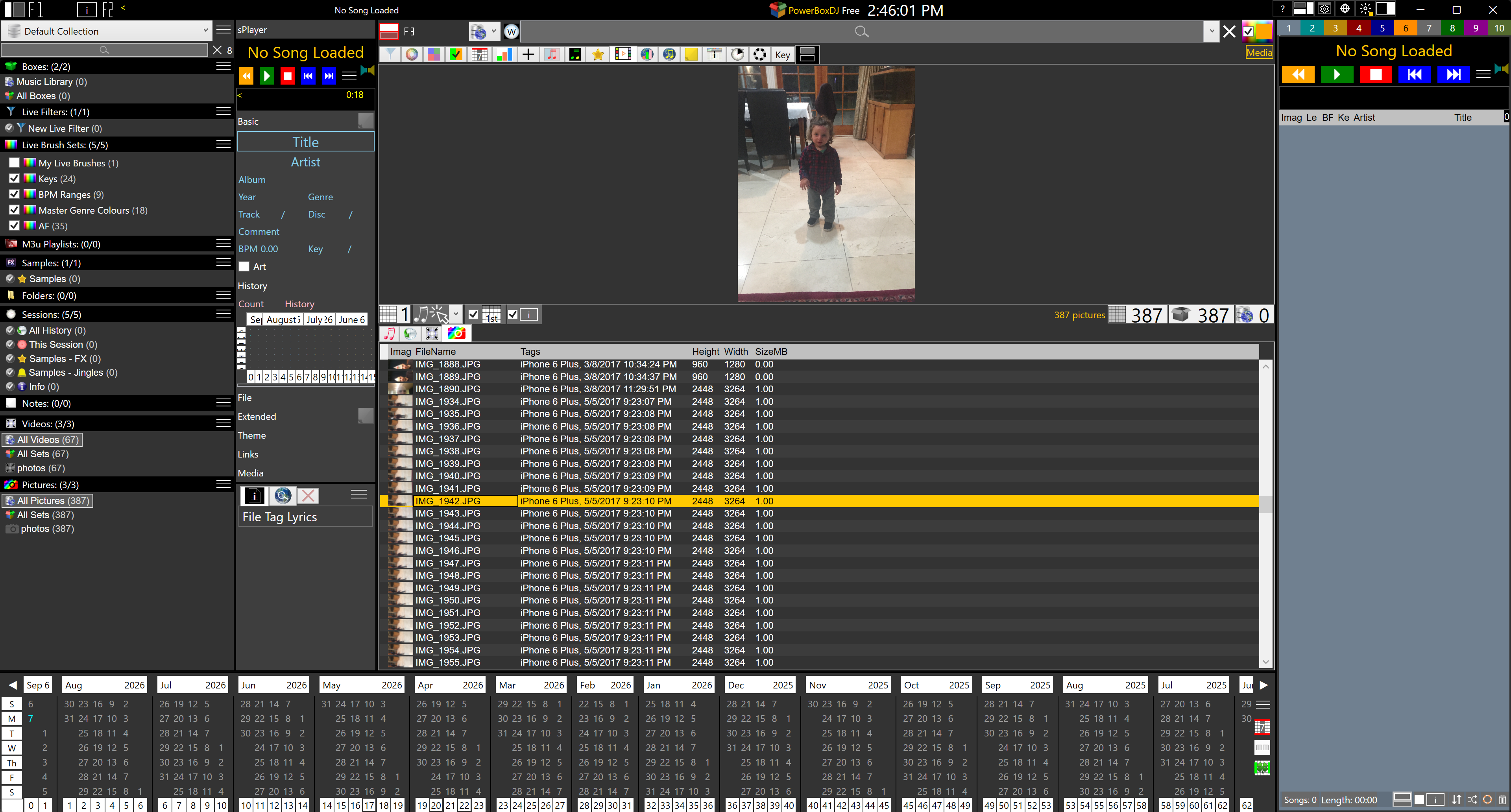
Shows a list of pictures.
Clicking a picture loads it into the Media Player.
Auto Analyze |
||
|---|---|---|
| Name | Description | Benefit |
| BPM | Beats per minute. | Speed of the song. |
| Key | Initial key. | The main chord of the song. |
| Signature | The time signature, such as 4/4, 3/4, and 6/8. | The count is known before the song plays. |
| Audio Features | Each one is a percent from 0 to 100. | Songs line up by the feel of the next song. |
| Dance | How far the tempo sits from 80 up to 140, how steady the beats are, and how strong they are. | Which songs a dance floor will move to. |
| Energy | Loudness, how far the level swings, and how often the sound attacks. | How hard the song hits the room. |
| Valence | Major reads happier than minor, with the speed and strength of the beat. | Whether the song feels bright or heavy. |
| Acoustic | How tonal the sound is, and how much of it sits under 1000 Hz. | A tonal song against a dense electronic one. |
| Live | Energy above 2000 Hz, and whether the level holds through the second half. | A room recording against a dry studio track. |
| Vocal | Sharp attacks, and energy above 2000 Hz. | When a singer is out front. |
| Instruments | Energy outside 200 to 1000 Hz, and how evenly the pitches are spread. | When the instruments are leading. |
Related