History Calendar
Analytics and Statistics of play sets
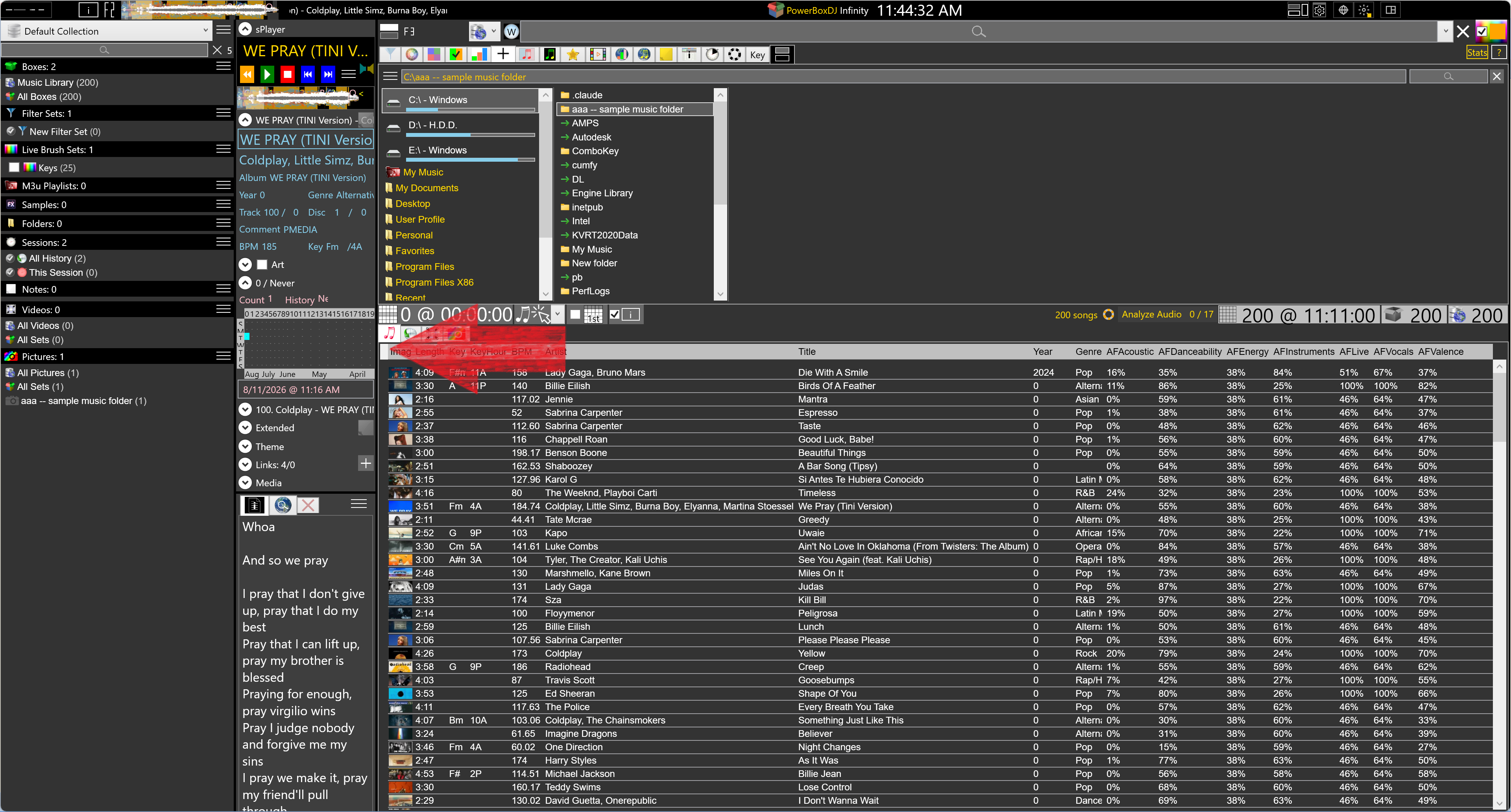
This is the main history calendar. Bookings for the month stay in Events Manager.
The strip is 200 weeks. Columns are weeks. It draws enough weeks to fill the window, then adds more as you scroll back. Day headers are the single letters S M T W T F S, and the day column sizes to that letter. Today is drawn in aqua.
Stats can be shown or hidden. Editing the stats rules sets two scales: count of songs, and duration of play. Each scale is a set of ranges with a color. Leave the end of a range blank and it means that range and above. The bars use whichever scale is selected. The count is distinct songs that day, the same unit as All History.
Drag across dates to select a range. Ctrl-drag adds another range. The selection becomes a date filter on Session History and on the music library. Clicking a weekday header or a month header feeds the same selection. A blue highlight shows the selection, and that highlight can be turned off without clearing the filter.
The menu also has full month names, the year, hints for months, weeks, days, and details, and a footer of months or weeks. Holidays can be drawn here too. Dropping songs, a box, a playlist, or a session onto a date saves them into the active session.
All History is every playlist play. This Session starts over each time the app opens. Samples - FX, Samples - Jingles, and Info keep those plays on their own.
Open History Calendar. Read the color of the days. Edit the ranges if the busy days should be a different color. Drag the weekend you want, and the library list becomes the songs from those days.
Related