PC Browser
Add songs, videos, pictures, and playlists by browsing a folder.
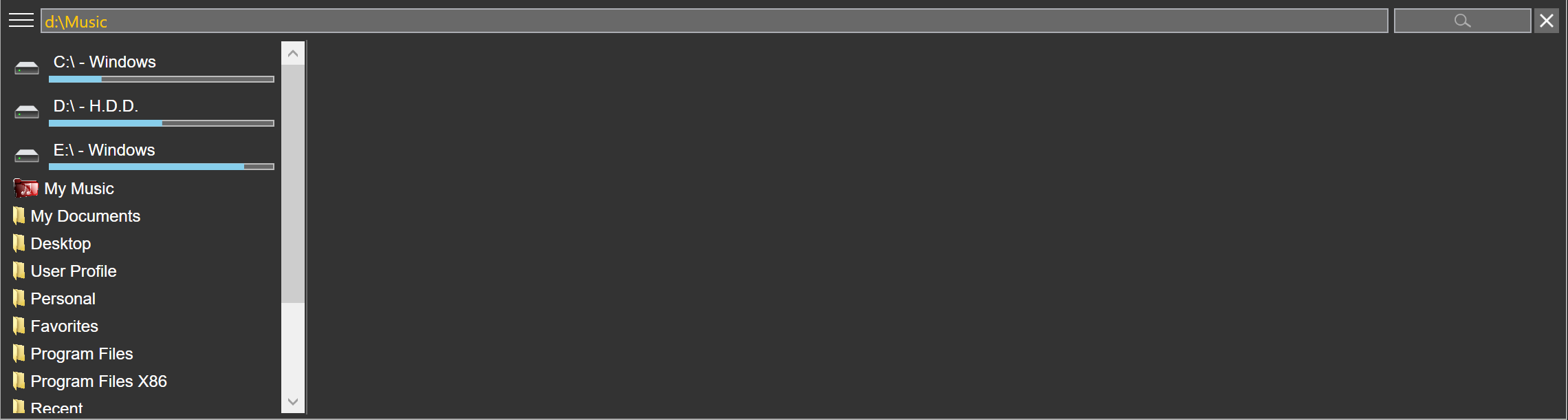
Music lives on more than one drive, and a client hands over a stick on the day of the job.
PC Browser is a walk through a folder.
It adds the songs, videos, pictures, and playlists it finds.
Browse to a folder, or type the path. The box beside it searches that folder. Double-click a folder to scan every folder underneath. Add to active collection keeps the folder on the collection. Folder view can show read-only and hidden folders.
Open the client's drive, scan it, and the new songs land in the collection.
Related