What the software can do.
There are many features in PowerBox DJ specifically designed to help you perform the following tasks easily and all within the same app.
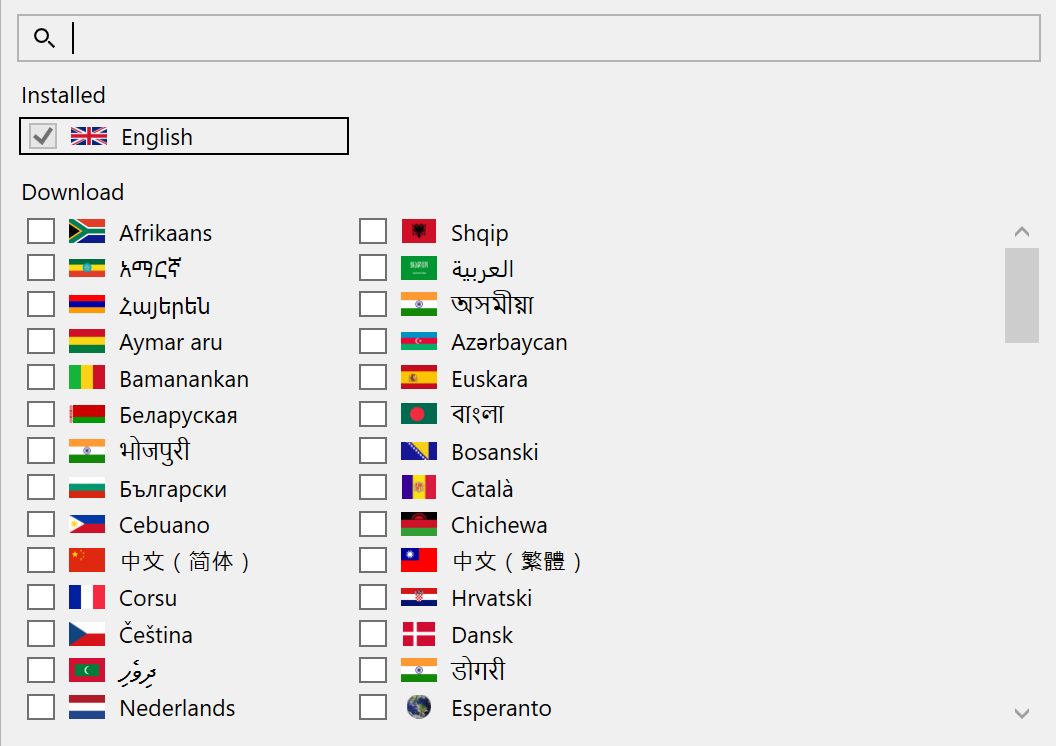
App supports 249 languages.
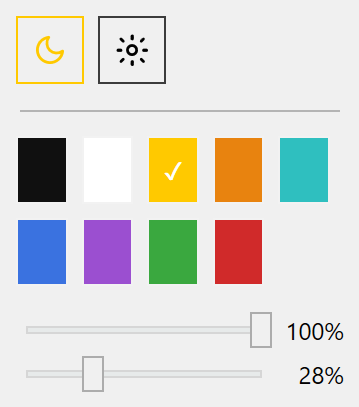
Drag to 3rd party app, International DJ Software, Custom User Interface, LiveShow-Pro.
Create a dedicated workspace for every kind of task you work with. Use the items you want and hide the items you don't.
Collections are very customizable and are completely open to using them however you want.
Have a collection just for a Wedding Ceremony, and another just for Wedding Receptions.
Manage your events with a fully customized preset for every event type.
Settings has pre-built event types. Add your own and then easily configure them right in front of the client.
Help them set up a timeline for their event while building a timeline for yourself as well.
Add playlists, Boxes, Notes, and an event file for managing it all.
The Event Manager has a calendar for you to see all upcoming holidays and other events on any day or month in an intuitive way.
You can also add specific notes per song in an event songs list to prevent confusion.
Then sync that event to the online calendar and have your phone show you those events in its own calendar.
All the information for a song selected.
You can right click on the note icon in Extended Tags to see a raw text of all the tags in the file.
Full Audio Player — Full DJ Deck
Everything you need to play, mix, and remix during a live performance.
Beat grid analysis with Traditional Constant Beat Grid with a constant BPM OR Variable Beat Grid that detects the beats of the song.
Scrolling Beat Slicer OR full song beat slicer.
Music Signature Analysis to set the Beat, Bar, and Phrase in the sound wave beat grid and in the beat slicers.
Word Analyzer that shows words of the song with Time stamp, Translate, and Transliterate to any language.
Censor button for live reverse slip play or hot cue censor slip.
Loop or Roll with or without Slip.
Beat juggle based on Musical Signature.
Change the Key (Pitch), Speed (Tempo), and Gain (normalizing volume) by a precision of 0.01.
Equalizer per song and another Equalizer for device output.
Stem Separation with options for standard Low Quality 2, 3, or 5 stems OR High Quality 2, 4, or 6 stems.
Soundwaves with structural analysis for each stem.
Full deck control for each stem including Hot Cues, Loops, FX, Scratch, Key, and Speed.
Multiple Device output with live switching.
View Songs, Sessions, Videos, and Pictures in one simple to understand area.
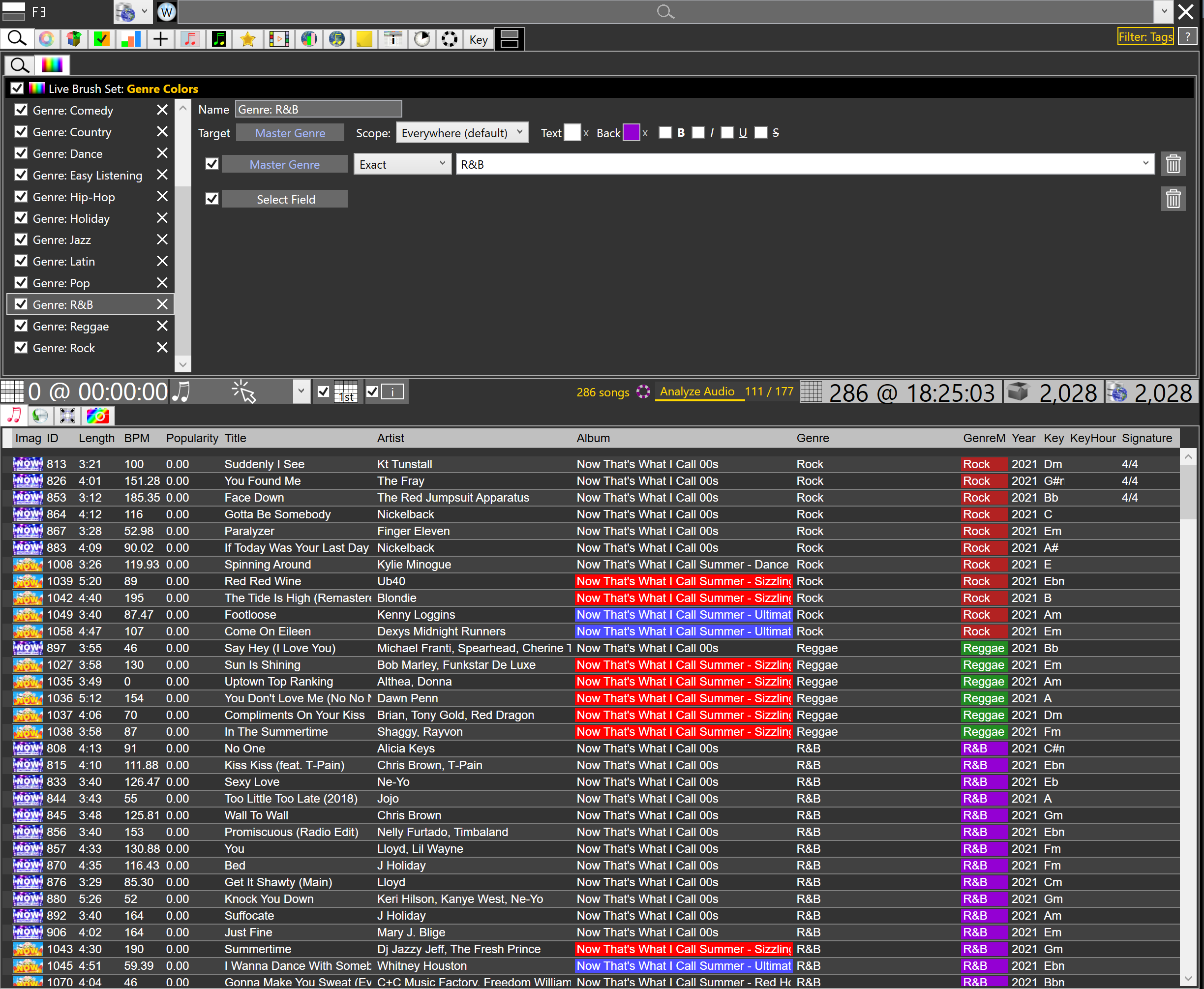
Apply custom rule filtering (Live Filter Sets), custom rule for applying colors (Live Brush Sets), and custom images for ranges such as Ranking and audio features.
Filter Editor, Live Brushes Editor, Key Filter, Column Charts, Box Filter, Collection View, Events Manager, PC Browser, Side Lists, Related Songs, Sampler, Media Player, Internet Charts, Internet Song Look Up, Live Feedback, Note Viewer, Watches.
You can use a traditional simple playlist with auto mixing or switch to DJ Decks and mix each song yourself.
Either way, the fPlayer will be the player used and the features there are limitless.
Not just a list of songs to pull from a specific date. Rather a charts like view that shows how often you play. And each History is per history type (Session) that can be used as a filter for a date range or directly to the songs or sessions library.