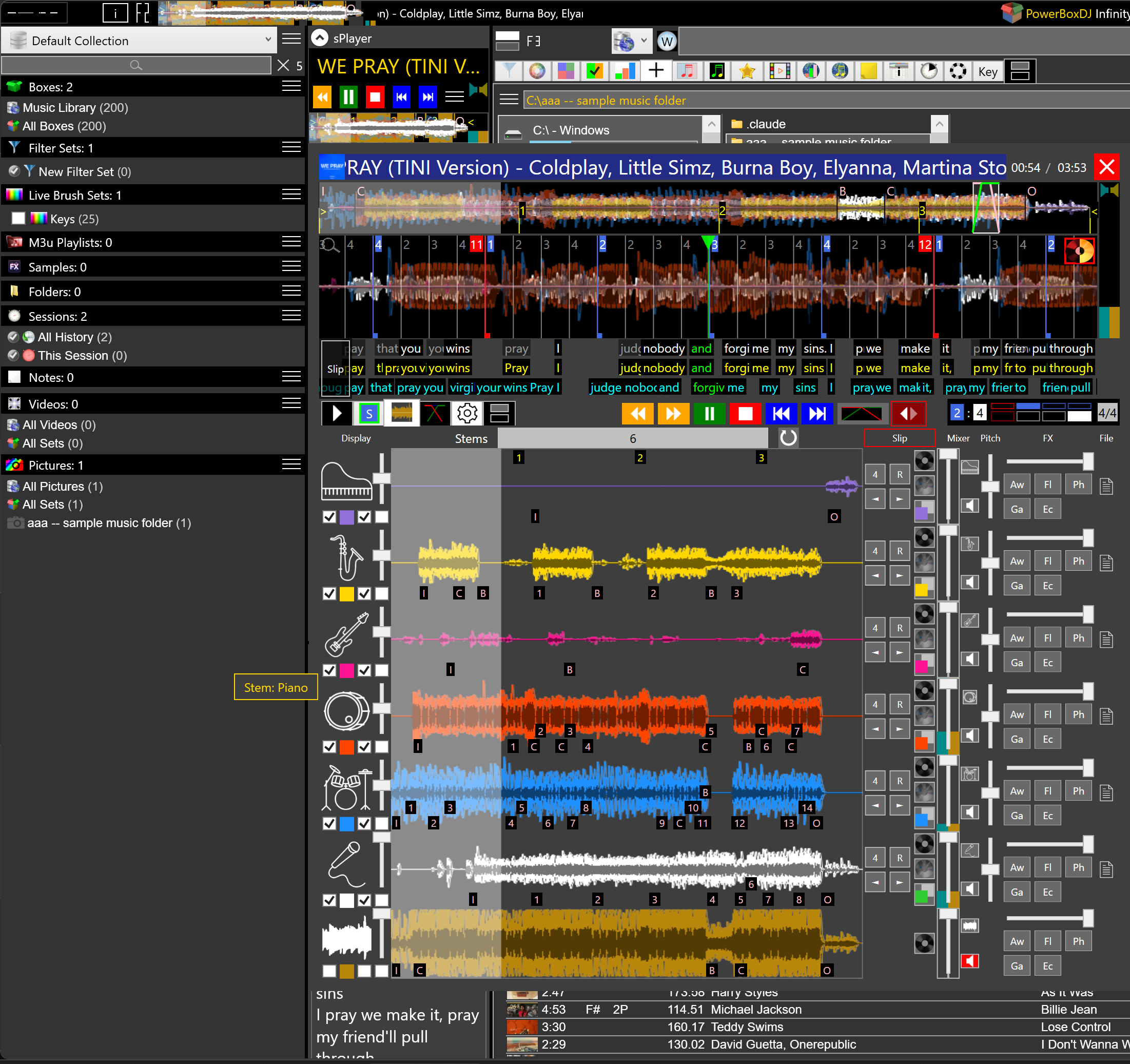
A karaoke hour is still a DJ job: a list, a room, lyrics that have to hit the word, and a video if the host asked for a screen. PowerBox DJ keeps that in the same library as the rest of the night. Lyrics can sit in the file, scroll in fPlayer, or come from a MIDI karaoke file. Video lives next to the songs.
It is not a scoring machine. It is not a disc catalog you rent. It is karaoke DJ software in the sense a mobile DJ means it: play the track, show the words, cut on the slicer, keep the wedding notes off this list.
Lyrics from the file — tags already on the track. Open Info ▸ Lyrics. If the file has words, they are there. Edit them like any other tag.
Lyrics in fPlayer — the player's lyrics tab, so the words sit next to the waveform.
Live Lyrics — scrolling words timed to the audio, with translation. That is the karaoke track.
MIDI karaoke — .kar / MIDI files that
already carry lyric events, timed in the file. Soft-karaoke marks for new line and new
paragraph are flattened to words the scroller can show.
Lyrics slicer — cut the song into slices you play by hand, including from the words. Beat slicer sits next to it. A host who wants the chorus twice is a slicer job, not a new file.
Videos are a library of their own, next to Music, Sessions and Pictures. Search, filter, highlight, put them in a video set. Play in the app or hand the file to a third-party player. Karaoke video and the audio library are one program. They are not one crate unless you make them one.
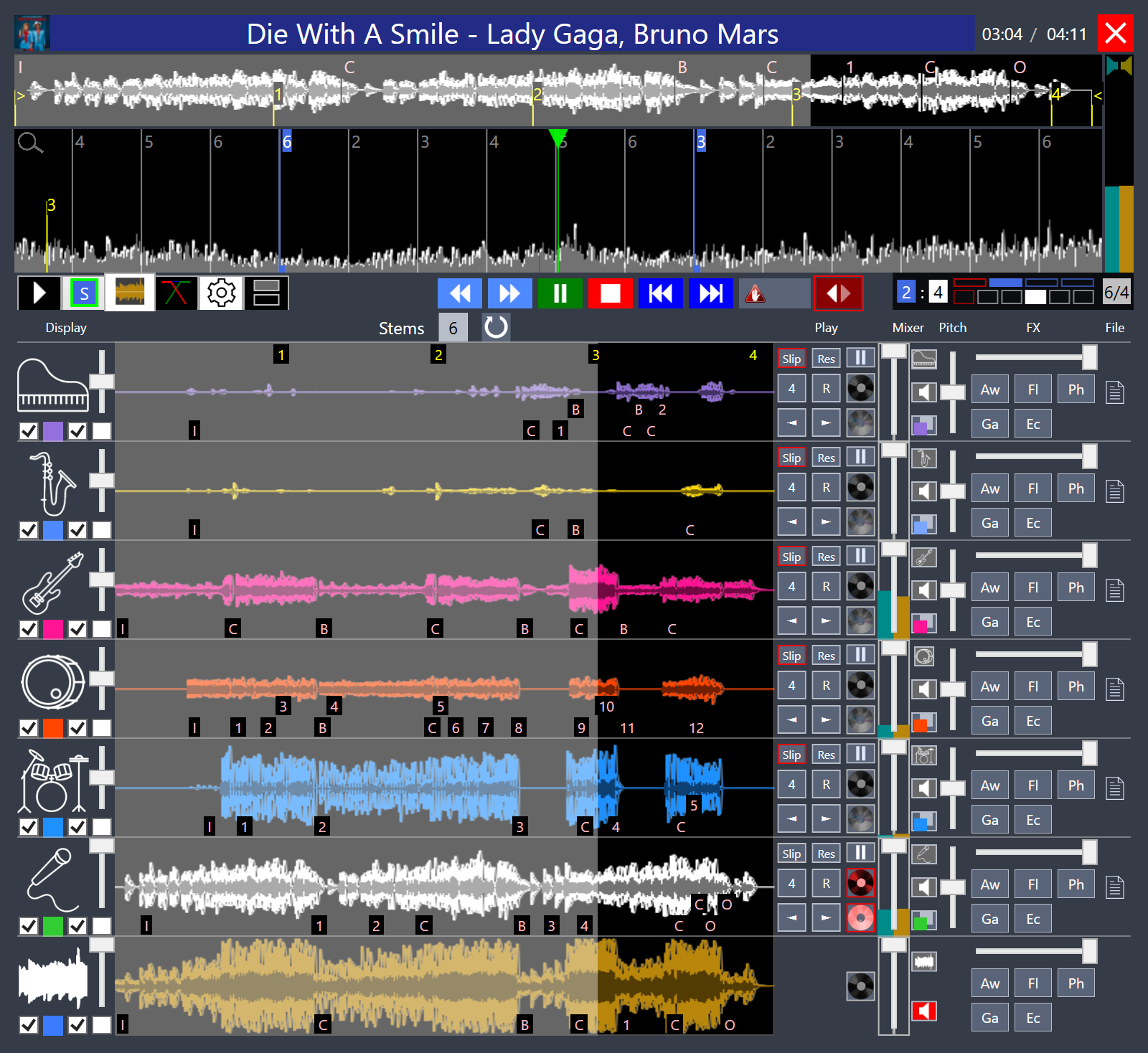
Stems help a karaoke hour the same way they help a wedding: mute the recorded vocal, leave the band, or solo the vocal to check a key. See DJ stems. Key shift without tempo change is the singer who cannot reach the original. See pitch shift.
Saturday karaoke and Sunday wedding are two events. Each has notes and boxes. The karaoke request list does not leak into the ceremony. That is the same Events Manager as event planning and mobile DJ software.