Karaokee
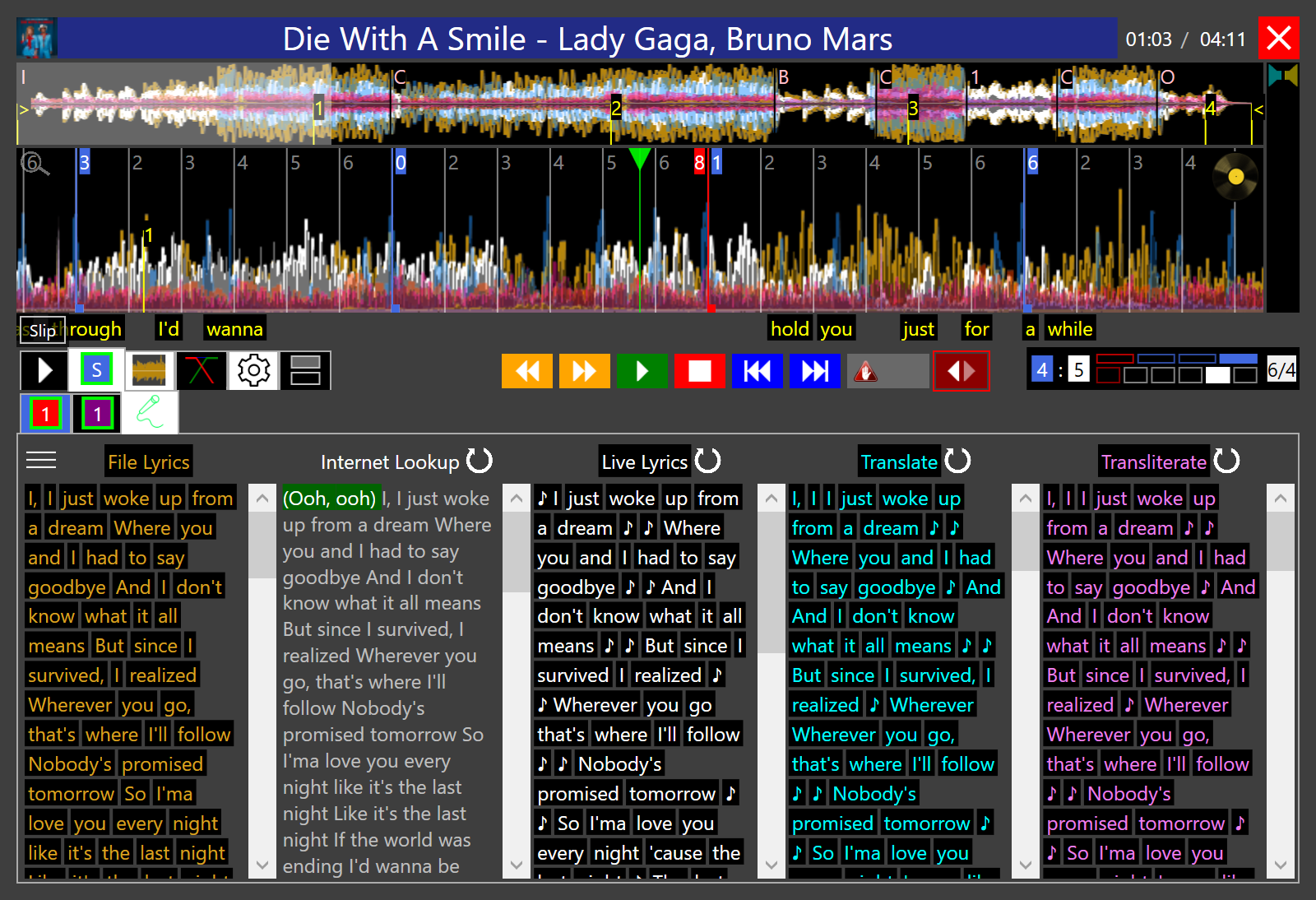
Song info and the words, on the Visualizer.

The DJ sees Karaokee on the deck. The same Karaokee goes out on the Visualizer. A song and a music video use that same screen.
The Visualizer is the window you drag to the video screen. It shows the song info and the words for the song the room is hearing.
Cueing the next song was putting the next words on that screen. The Visualizer stays on the song that is playing.
Singers miss the first word when it lights at the moment it is sung. The line is already up, and each word counts down into the time it is sung. The deck and the Visualizer draw that the same way.
Printed lyrics often skip a chorus the second time it is sung. The written words are lined up to every time they are sung. A line that reads right to left stays right to left. A .kar, .mid, or .midi file uses the words already in the file.
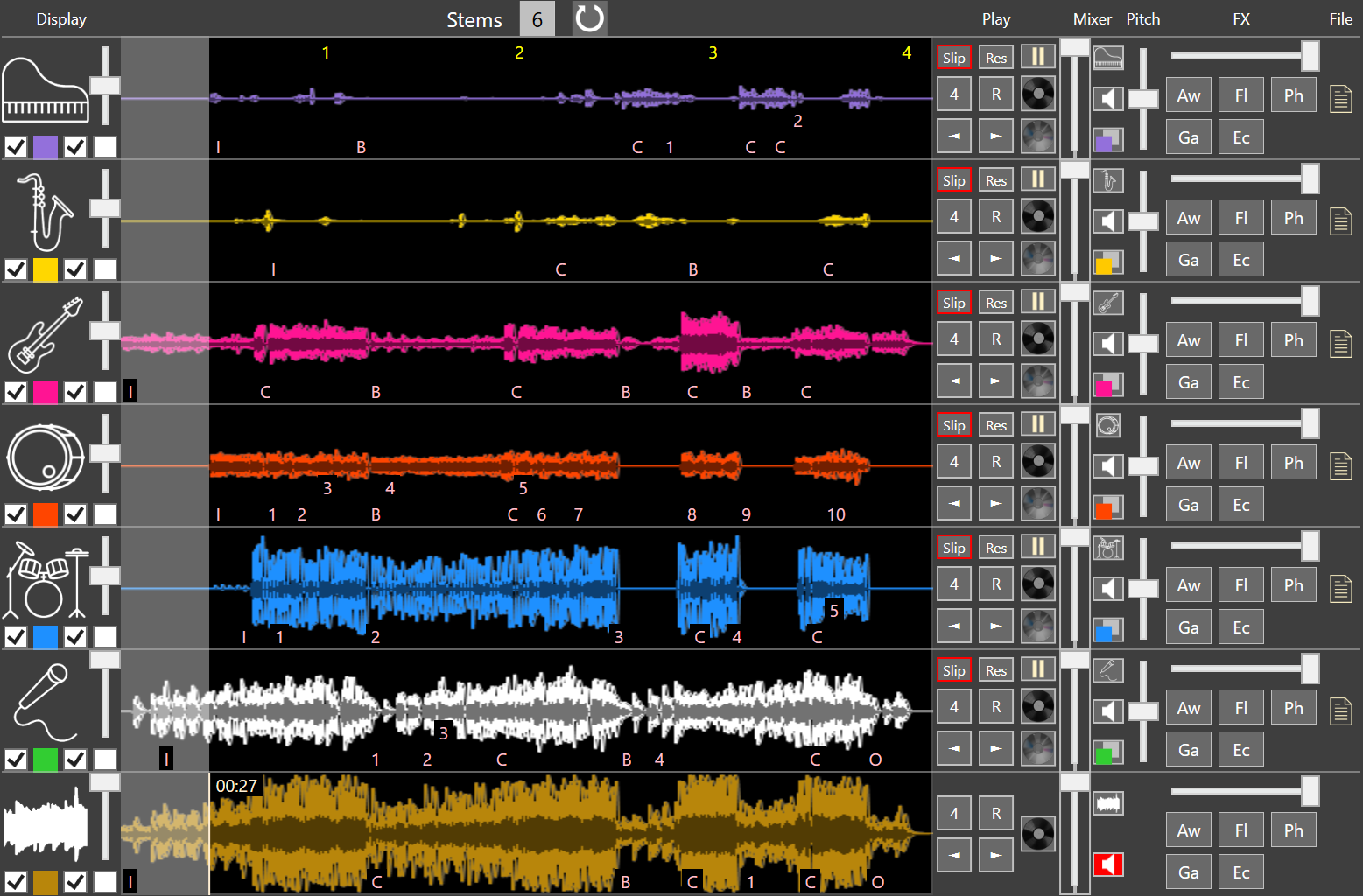
A music video that plays its own sound fights the mix, and taking the vocal out used to take the picture with it. The video is split into vocals and instruments. The DJ sets the vocal. The instruments keep playing. The Visualizer shows that picture with no sound, and the same Karaokee and song info as any other song.
A TV adds its own delay, so the words arrive after the room has heard them. The DJ sets how early the Visualizer runs. The deck stays on the music.
A word you do not want on a wedding screen stays off the Visualizer. The DJ still sees it on the deck.